Your old software, rebuilt for today.
The system your business has run on for years still works, but it is slow, hard to change, and only one person knows it. We rebuild it piece by piece, without stopping the business.
Sound familiar?
- 1
Only one person, or one old vendor, knows how the system works.
- 2
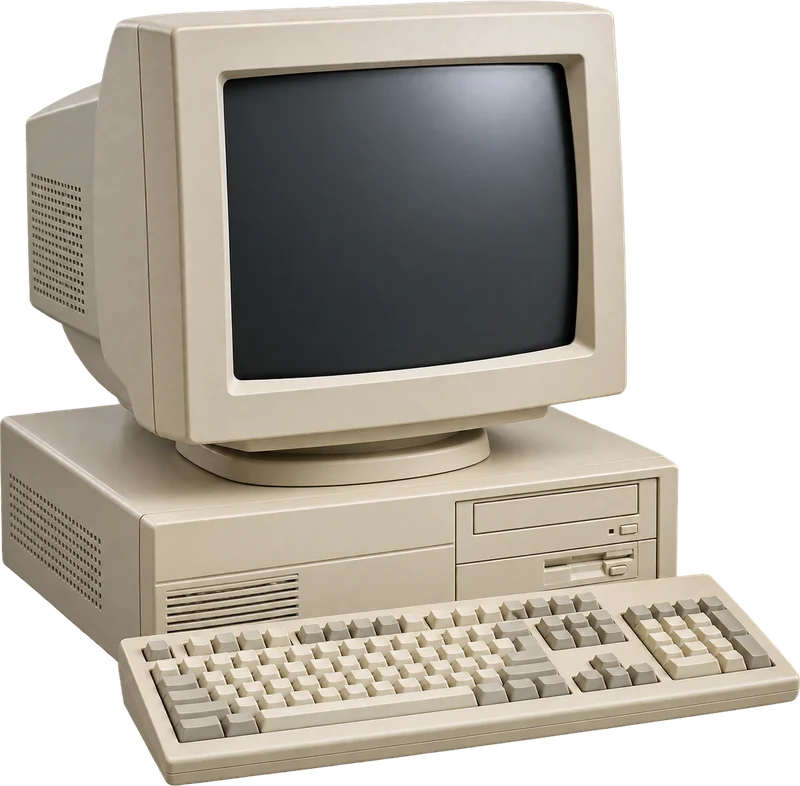
It runs on one computer in the office, and everyone is afraid to touch it.
- 3
Simple changes take months, or cannot be made at all.
Watch it happen.
The old system
- Runs on one computer in the back office
- Only one person knows how to fix it
- Reports printed, then retyped into Excel
The new one
- WhereWorks from any computer or phone.
- DataEvery record moved across and checked.
- ReportsLive. Nothing retyped.
Moved one part at a time. The business never stopped.
A made-up example. Yours would use your own orders, systems and names.
How it works.
First
The old system
It works, but it is slow, fragile and stuck on one computer.

Then
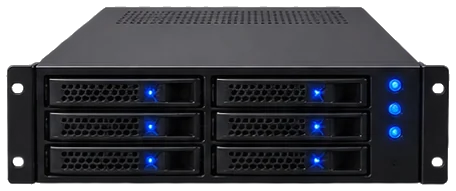
Rebuilt, piece by piece
Old and new run side by side while each part moves across.
And so
New, and yours
The same work on software your team can use from anywhere.
A normal day, before and after.
Today:Everyone waits for the one computer to be free.
Everyone works at once, from anywhere.
Today:The system crashes. One person is called in.
Nothing to crash. Backed up every night.
Today:A simple change takes three months.
A simple change takes a few days.
What changes.
The same work, on software your team can use from anywhere.
Every record moved across and checked. Nothing lost.
Changes in days, not months, and no one person holding the keys.
Once it runs, you can also…
- 1
Connect it to your website, your bank and your accounting.
- 2
Let customers check their own orders.
- 3
Add AI on top, now that the data is clean.
Works with what you already use
- Old desktop software
- Access, FoxPro and older databases
- Excel macros
- All of your existing data
Not on the list? Tell us what you use. We work on the systems you already have.
Questions people ask
Do we have to switch everything off at once?
No. The old and the new run side by side, and we move one part at a time.
What happens to our old data?
All of it comes across, checked against the old system before anything is switched off.
Will the team have to learn everything again?
We keep what works about the old screens and make the rest easier, so the change is small.
More we can take off your plate.

Tell us the job you would hand over first.
Book a free call with one of our engineers. Tell us what slows your team down, and we will show you what could change, and how it would feel.
- Free, 30 minutes
- About the work that slows your team down
- You leave with ideas you can use